One column. One channel.
Put drums, bass and melody on separate channels. See their notes together as the pattern plays from top to bottom.
Impulse Tracker. Built for more.
The workflow you love. The studio you always wanted. Create with synths, samples and VST3 — from your first pattern to the finished track.
Windows x64
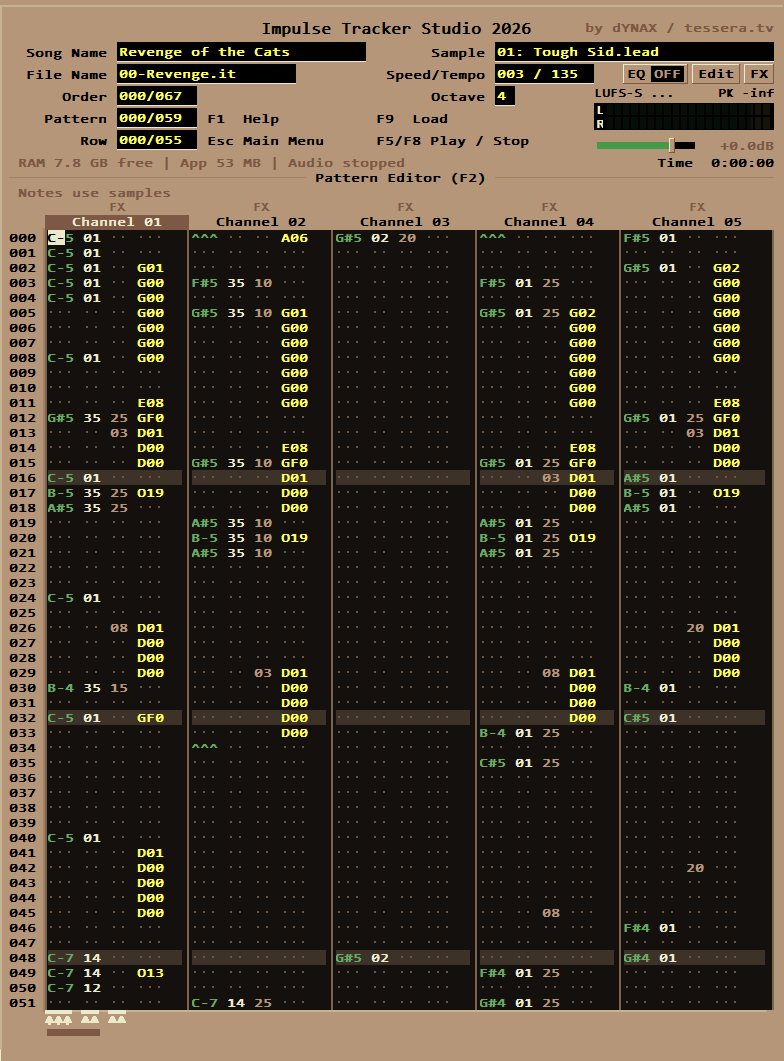
Put drums, bass and melody on separate channels. See their notes together as the pattern plays from top to bottom.
Choose an instrument, set the volume and add effect commands directly beside the note.
Use the order list to arrange and repeat patterns. Change the sequence without rewriting the notes.
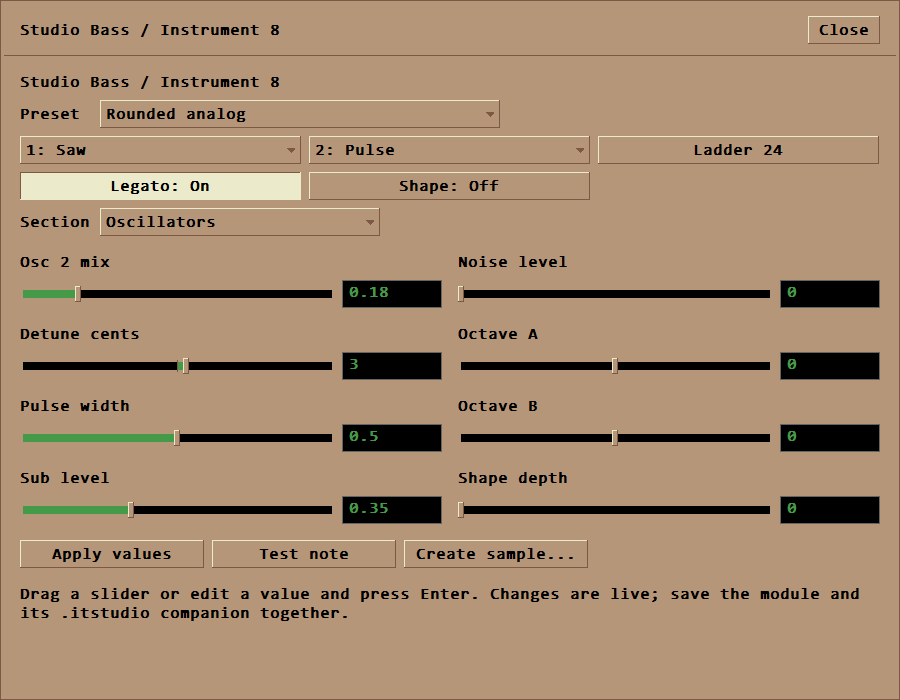
Two oscillators, a filter and drive. Shape a bass sound with envelopes, glide and modulation.
Control the instrument from patterns or MIDI. Use presets as starting points and adjust the sound in its editor.
Bounce the built-in instrument into samples for further editing and sequencing.
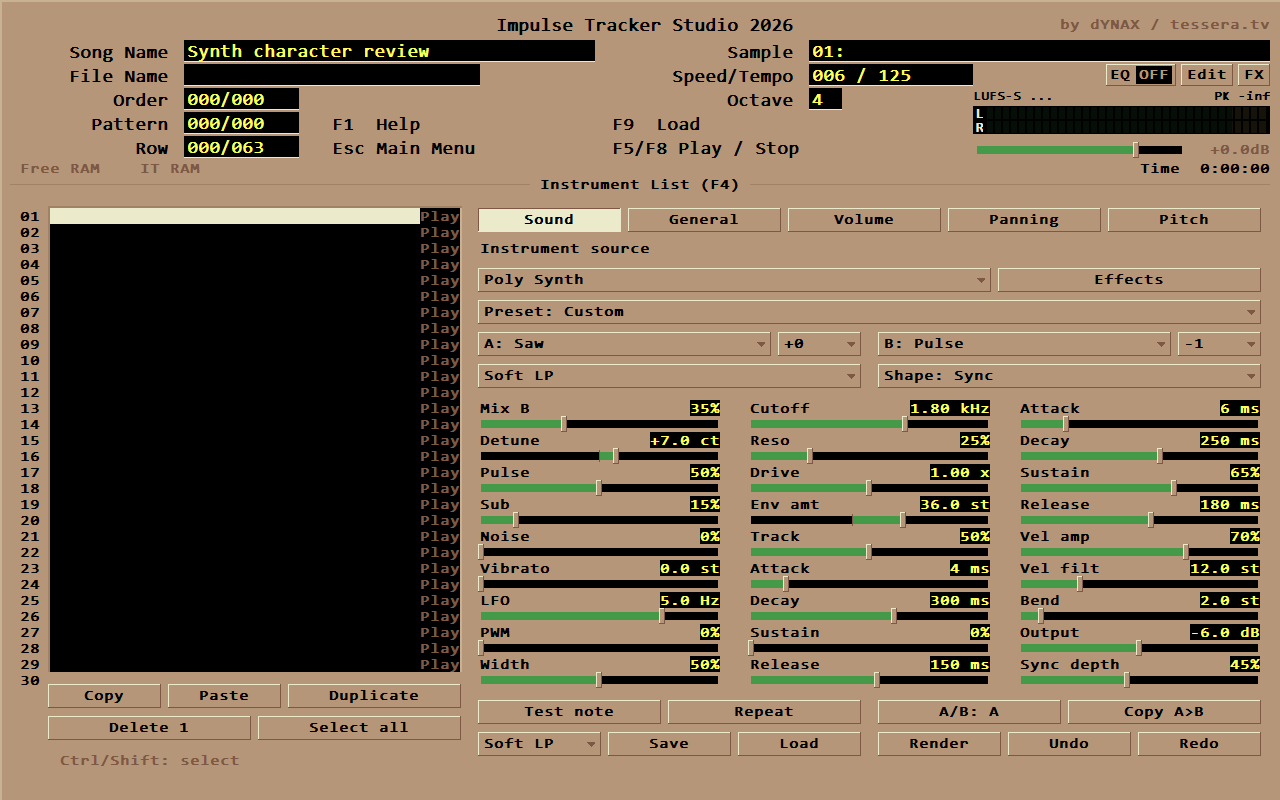
Build melodic sounds with dual oscillators, detune, envelopes and stereo controls.
Control the instrument from patterns or MIDI. Use presets as starting points and adjust the sound in its editor.
Bounce the built-in instrument into samples for further editing and sequencing.
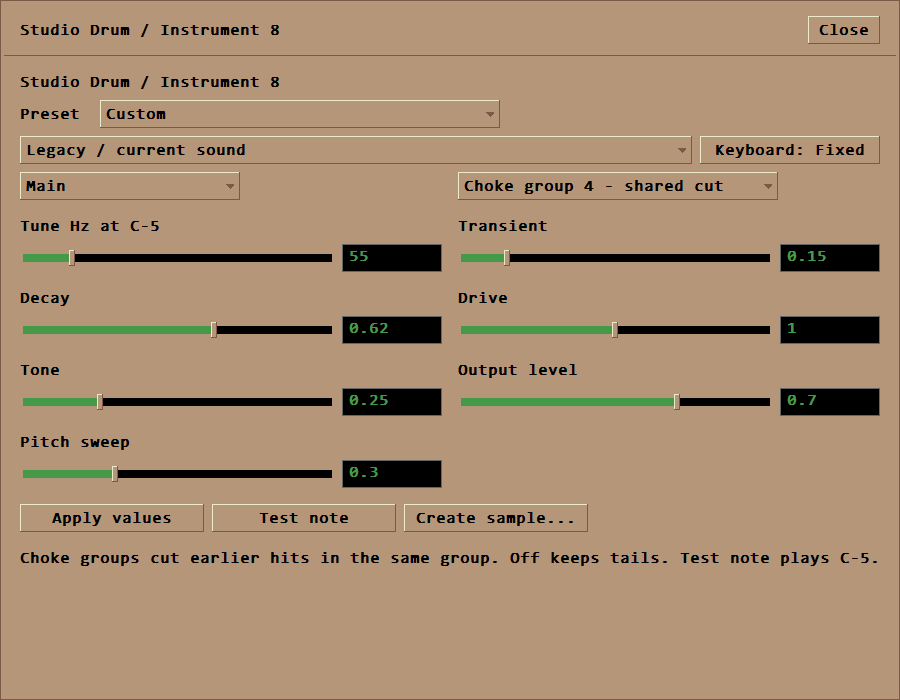
Create percussion with drum synthesis and PCM-based kits. Adjust tone, decay, noise and attack.
Control the instrument from patterns or MIDI. Use presets as starting points and adjust the sound in its editor.
Bounce the built-in instrument into samples for further editing and sequencing.
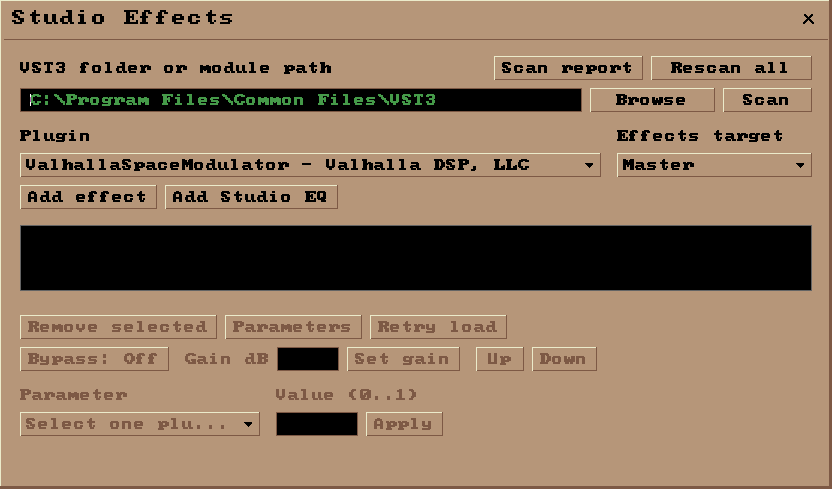
Load a VST3 instrument and control it with the notes in your project. Open the plug-in’s own editor to adjust its sound.
Add effects to an instrument, a channel or the master output. Change their order and bypass an effect to compare the sound.
Plug-in state is saved with the Studio project. Render to WAV with the plug-ins included.
Windows x64 VST3. Third-party plug-ins are installed separately. Compatibility varies by plug-in; VST2 is not supported.
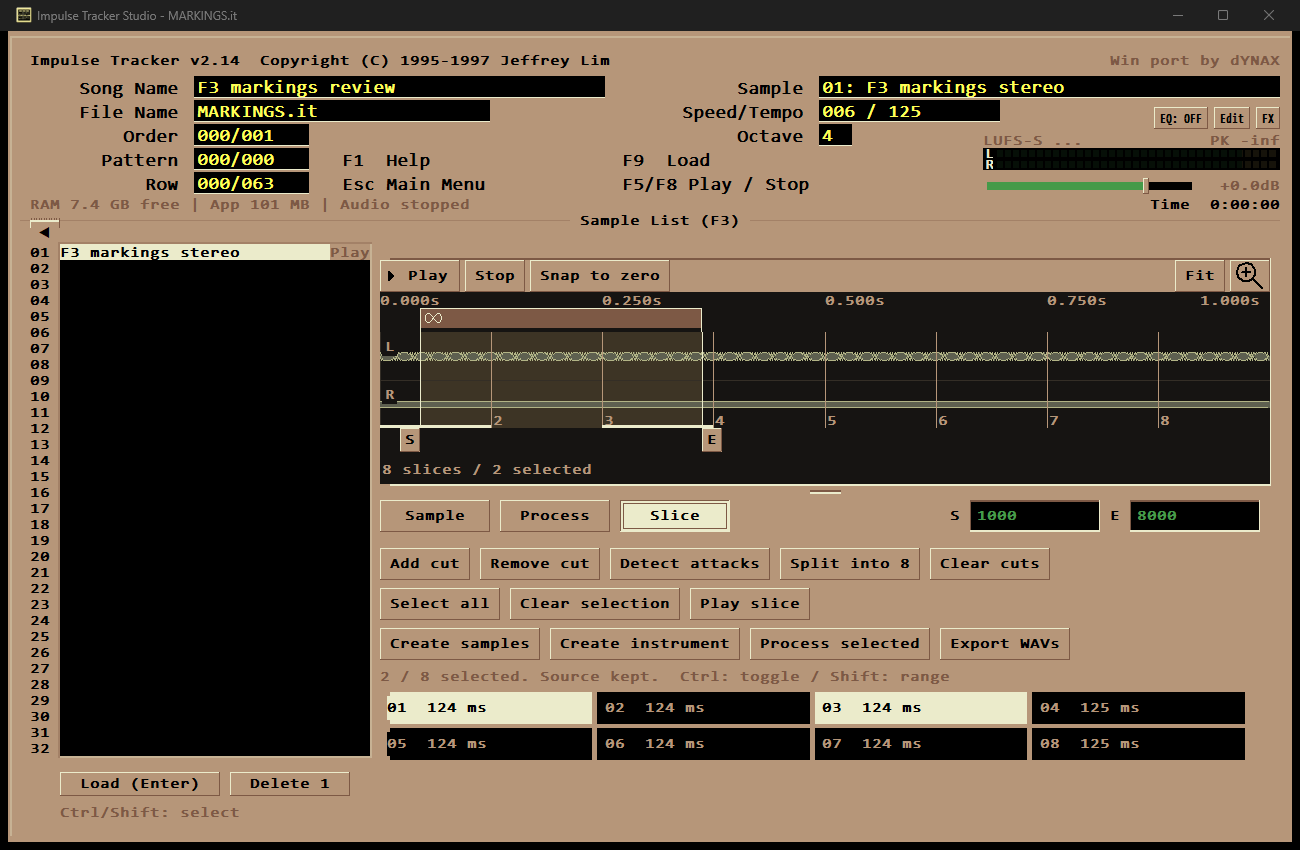
Detect attacks or place cuts by hand. Listen to each slice before using it.
Stretch, pitch, reverse or fade. Compare the original and processed sound before applying.
Map slices across instrument notes, create individual samples or export WAVs.
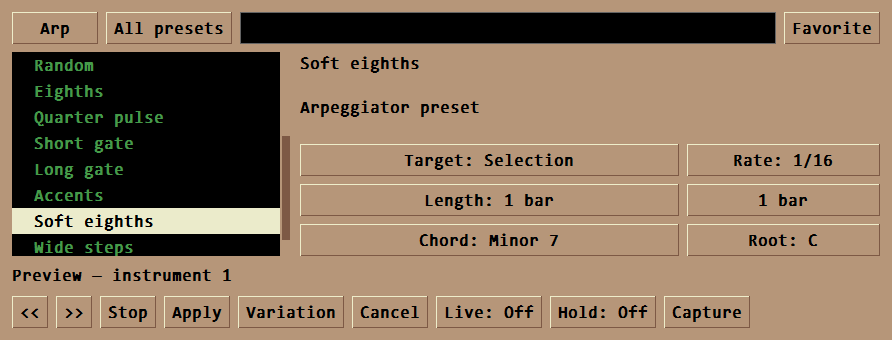
Choose a chord, rate and phrase. Preview variations before applying them to the pattern.
Continue a phrase, add a bass line or try a fill. These tools run locally, without a cloud AI service.
Convert pitch and timing from a recording into notes you can edit in the tracker.
Transcription does not separate stems or recreate the original sound.
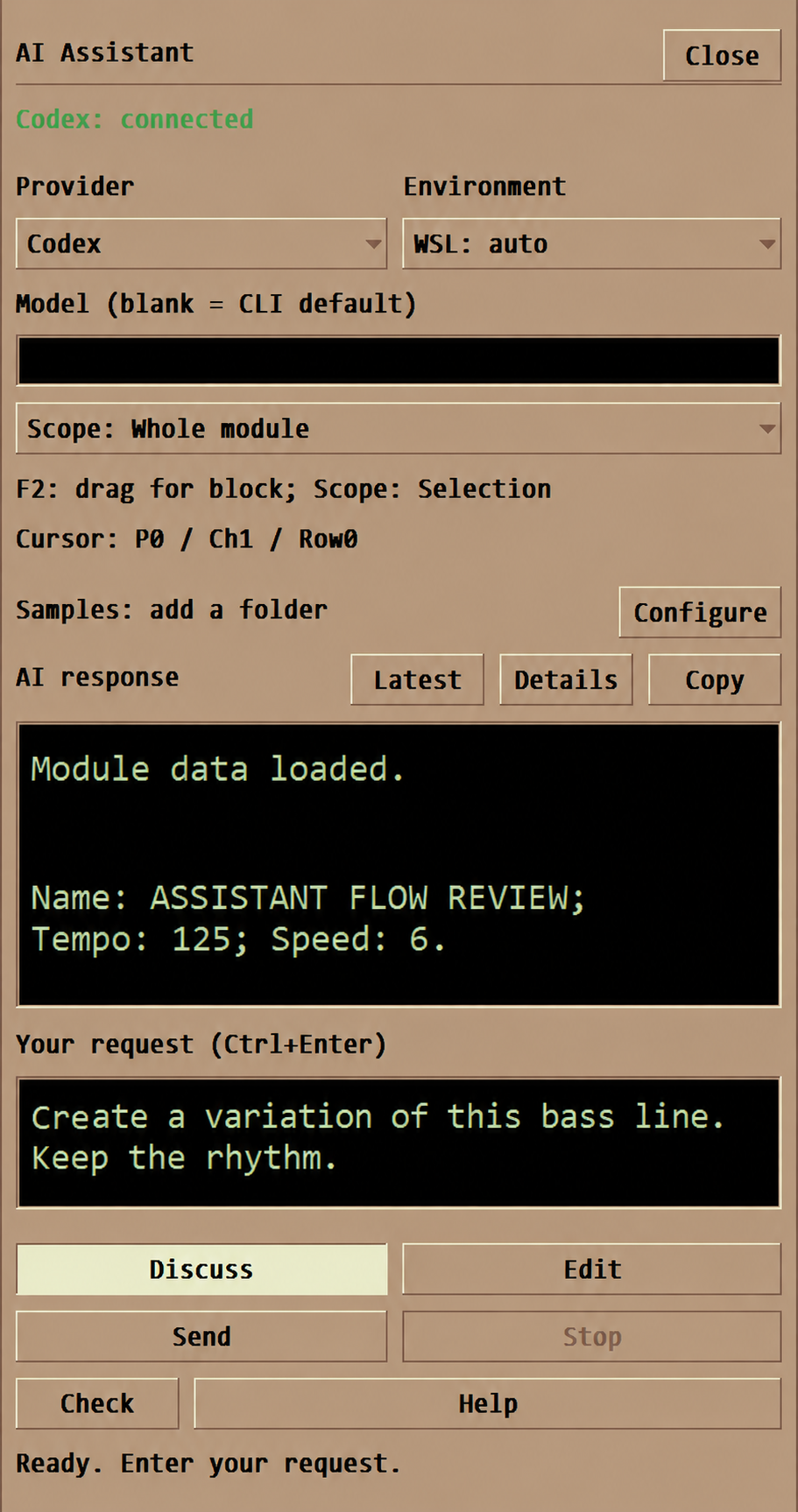
Choose the whole song, a pattern, a channel or a marked passage. That selection gives the assistant its working context.
Discuss an idea before changing anything. Switch to Edit to request supported changes to the project.
Use your configured Codex, Claude or OpenRouter access. The local Music Assistant works separately.
In development. Undo does not yet cover every external AI edit.
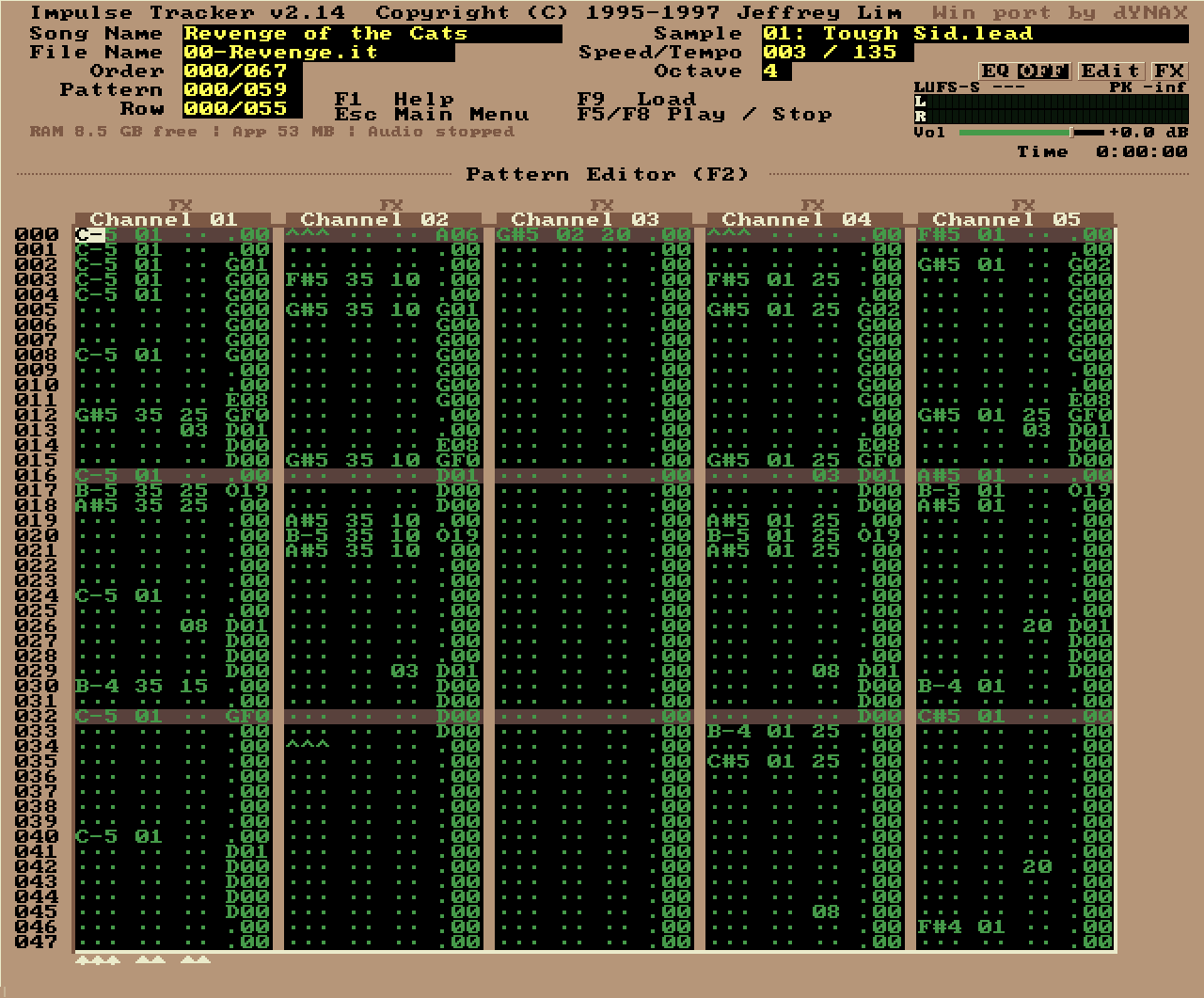
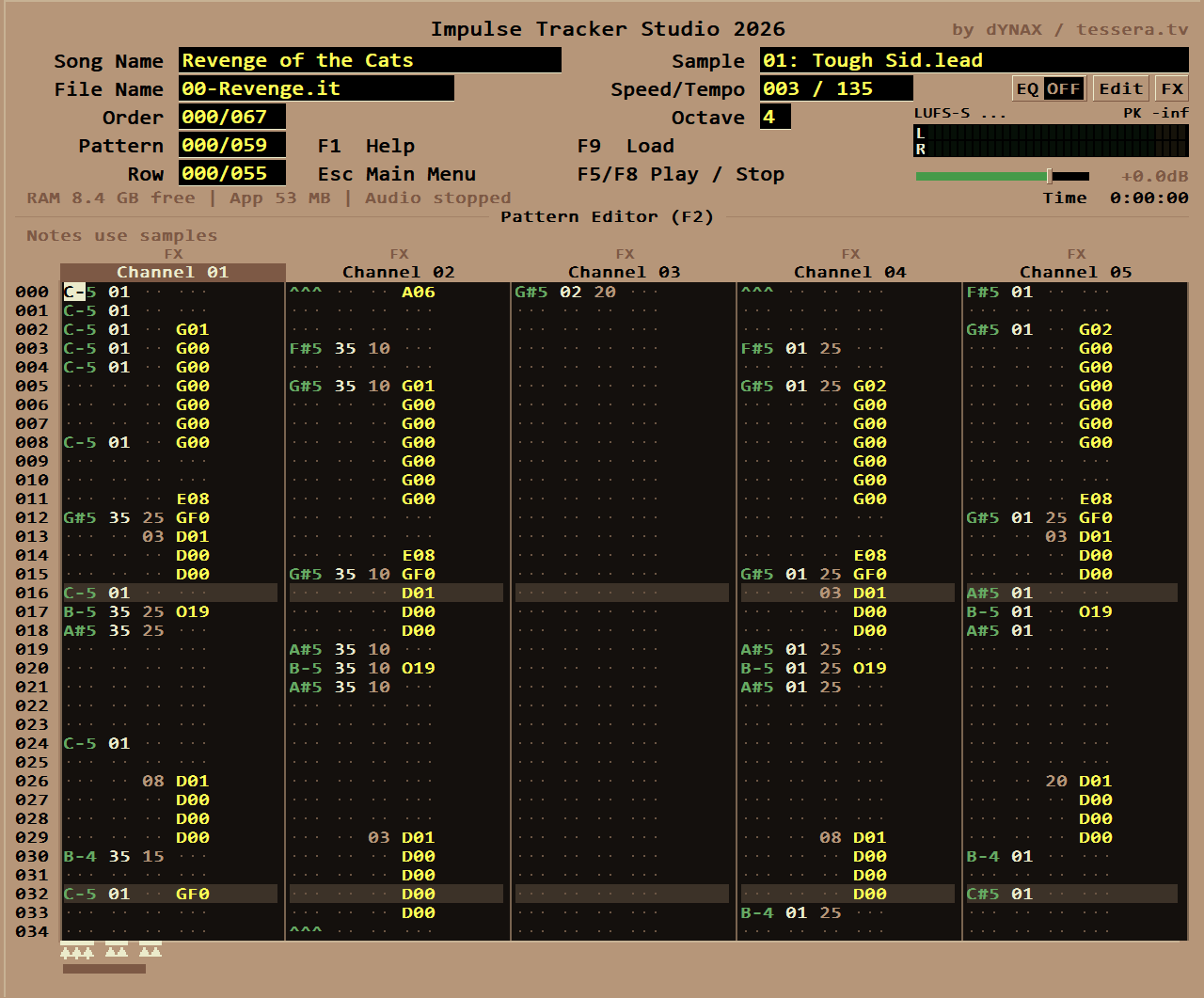
The same song and pattern in both display modes. Classic display is part of Studio; it is different from the free Classic edition.
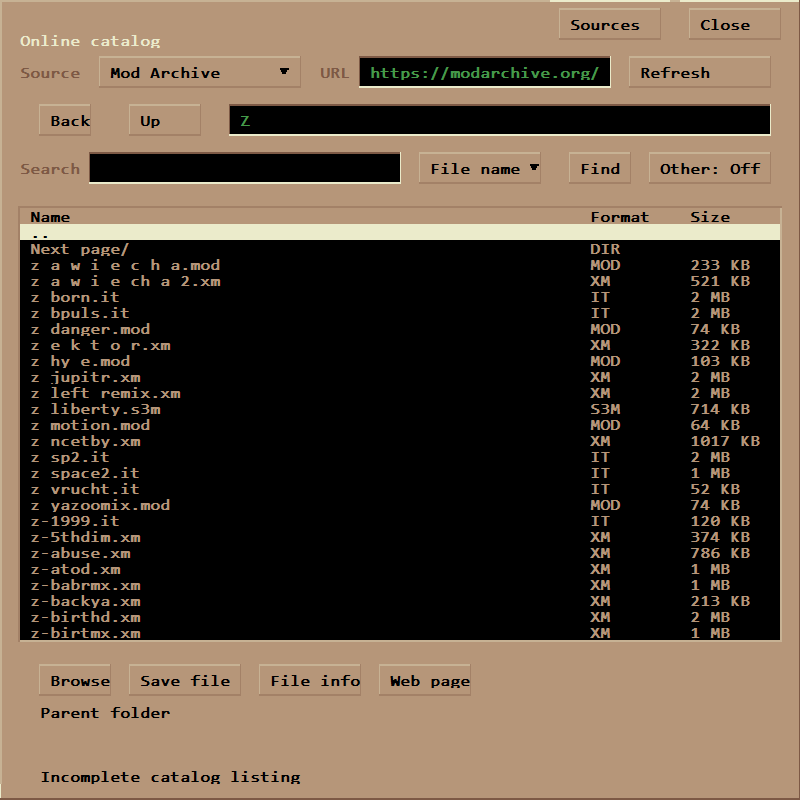
Browse music from Modland, Mod Archive and Demozoo directly in Studio. Choose a source from the menu, then explore its catalog. Search and browsing options vary by source.
Download modules and keep a local cache. Open a track to explore its patterns, instruments and samples.
Browse local module and sample libraries. Open modules inside ZIP files without unpacking the entire archive. Freesound integration provides another source for samples.
Online access depends on service settings and limits. The archived screenshot contains an outdated catalog-status label.
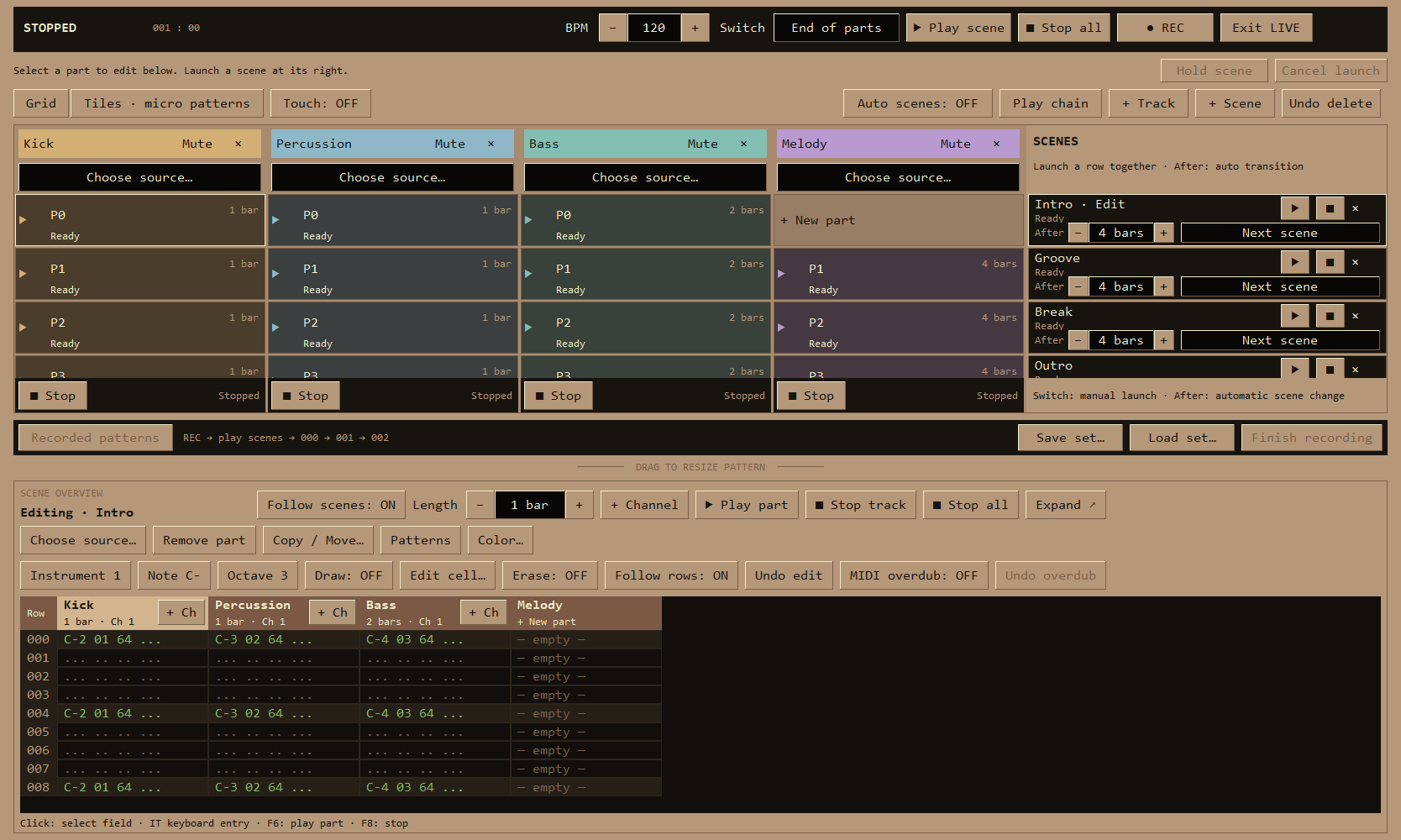
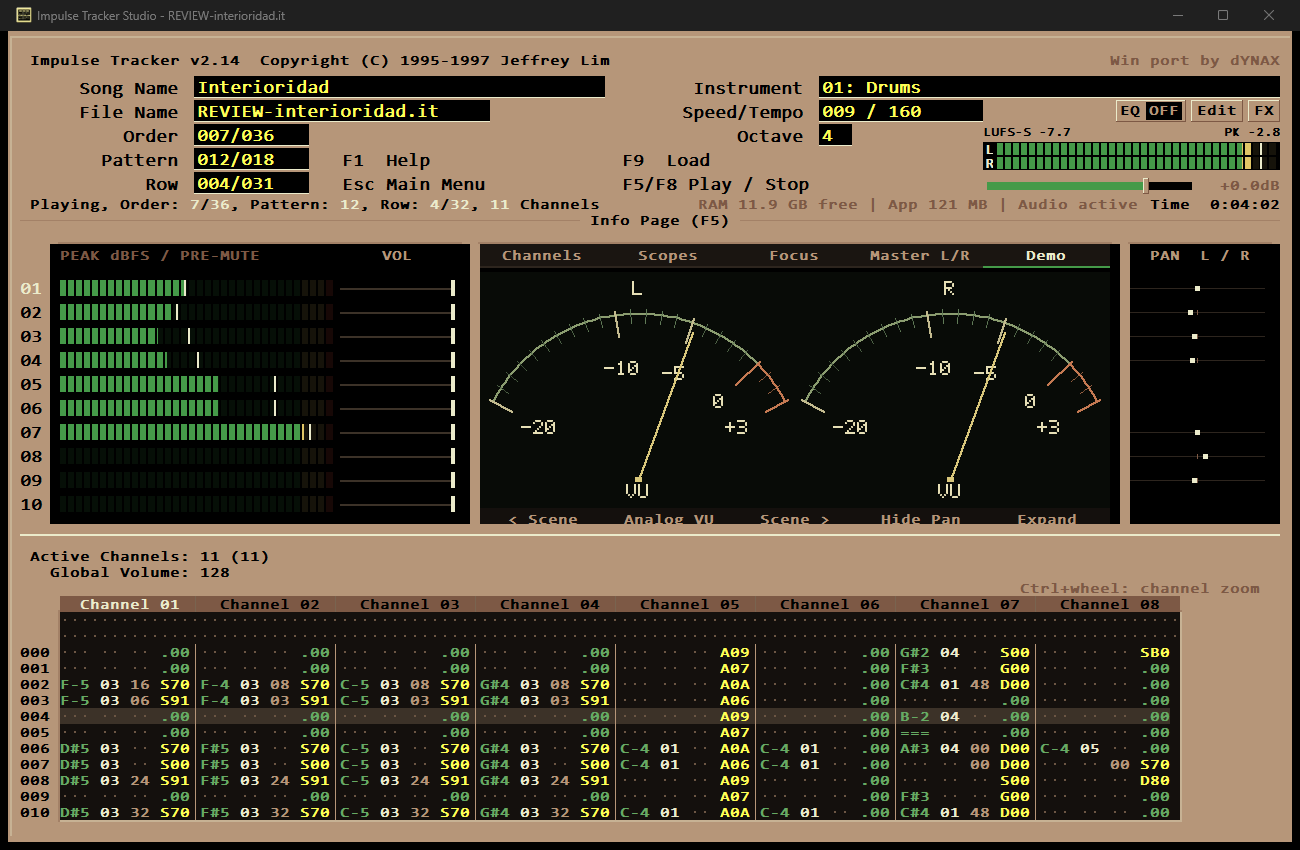
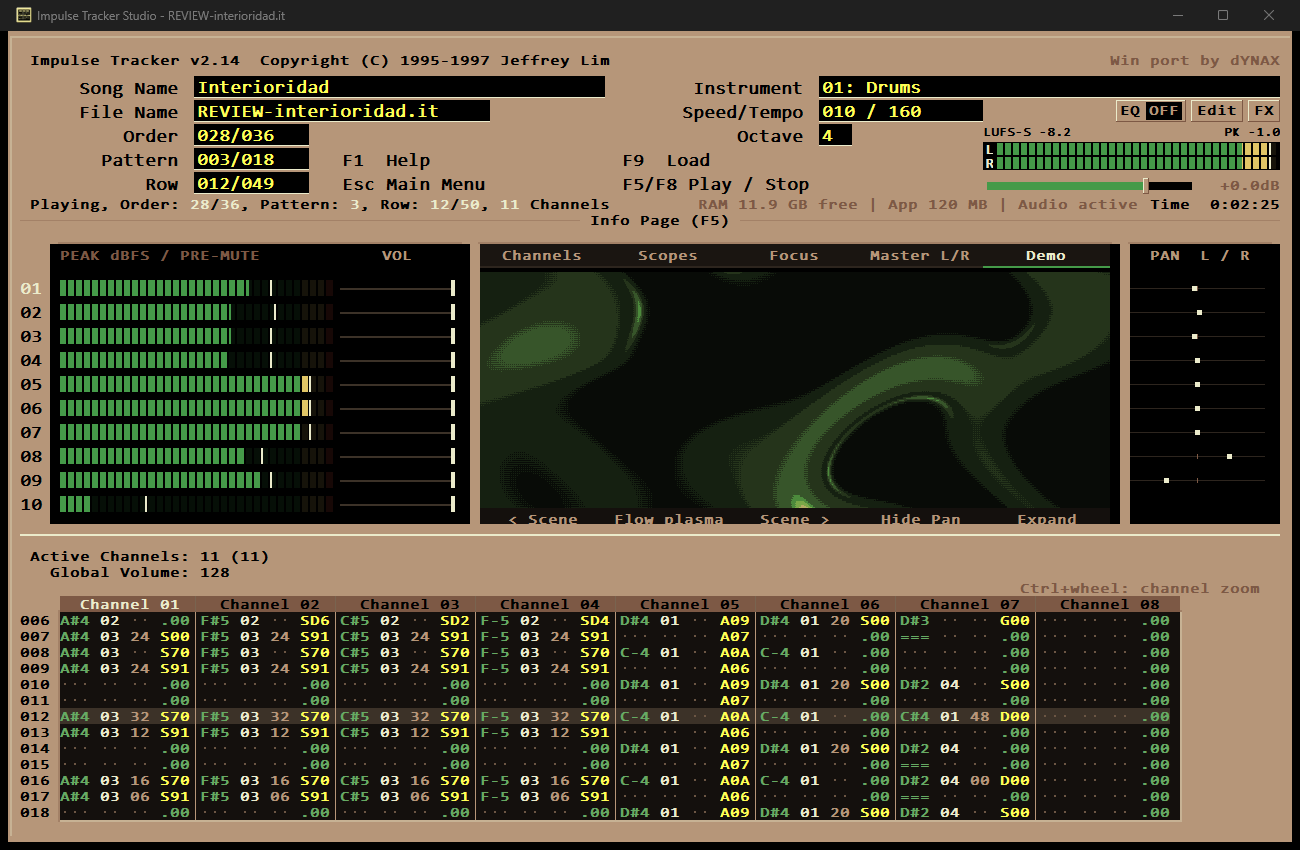
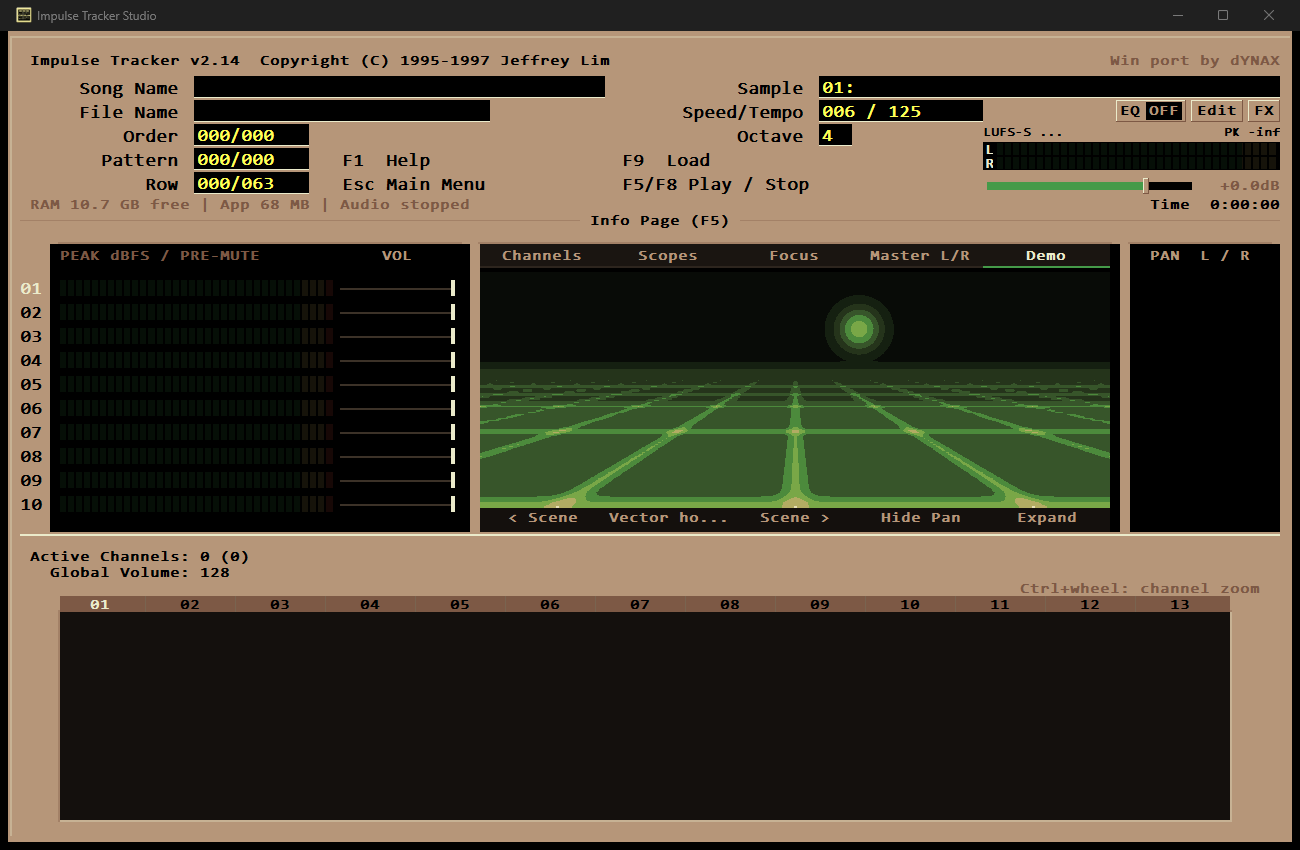
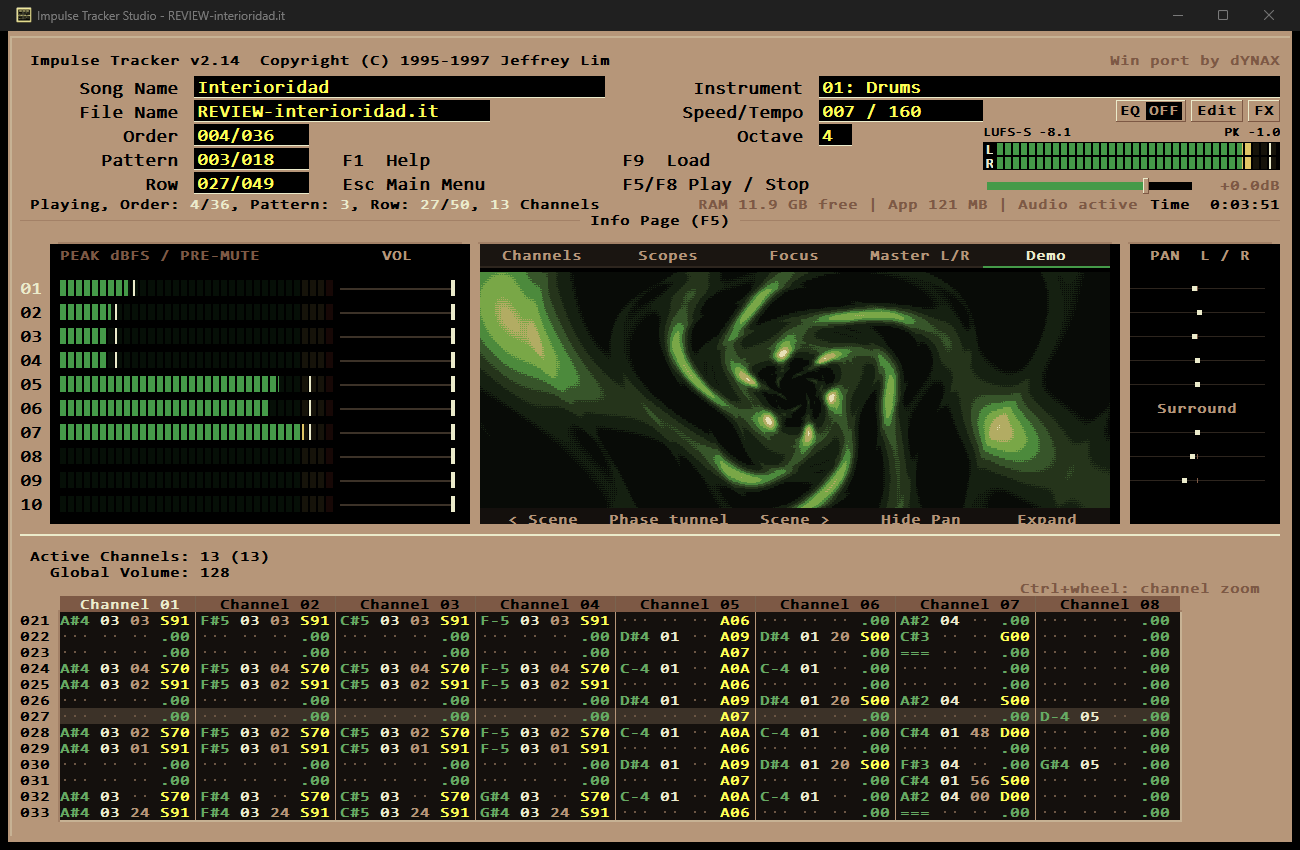
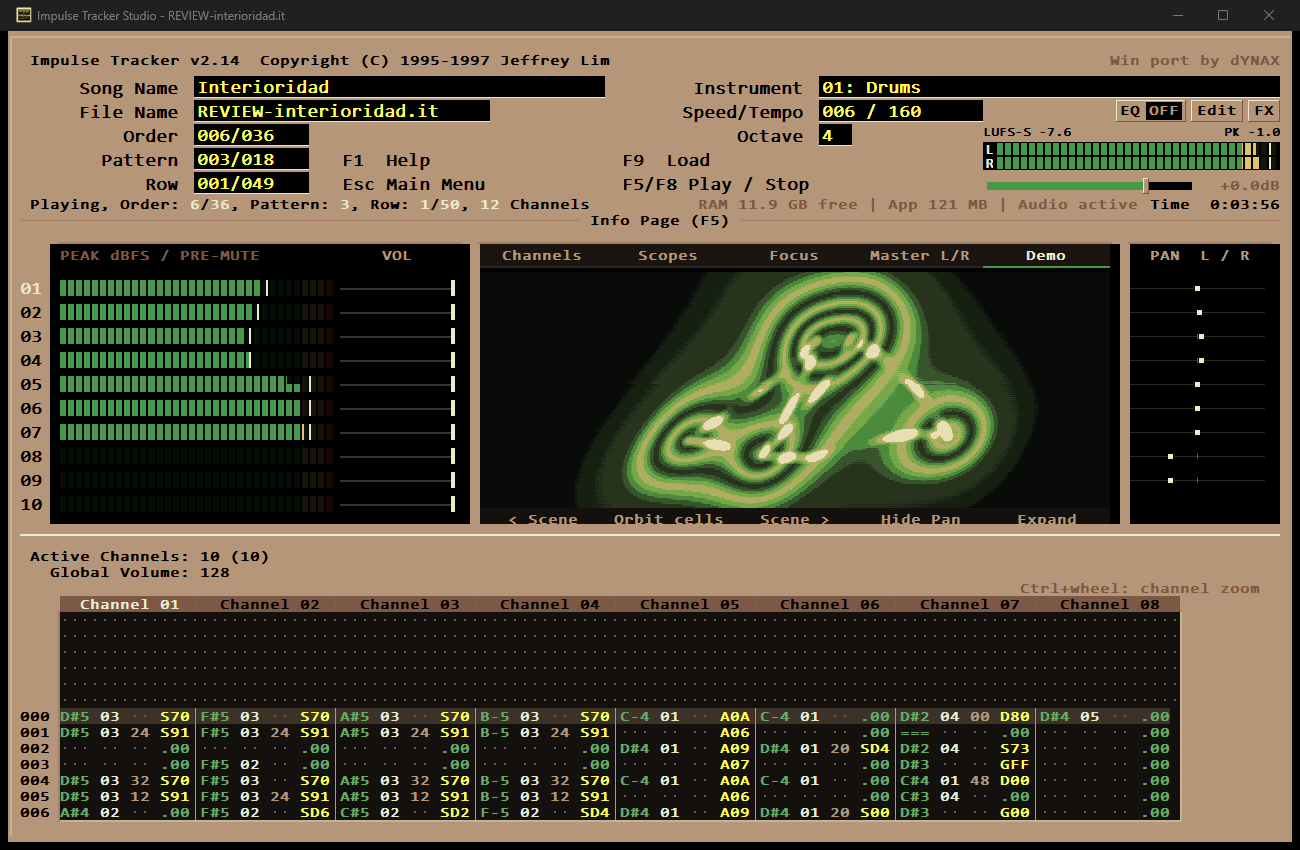
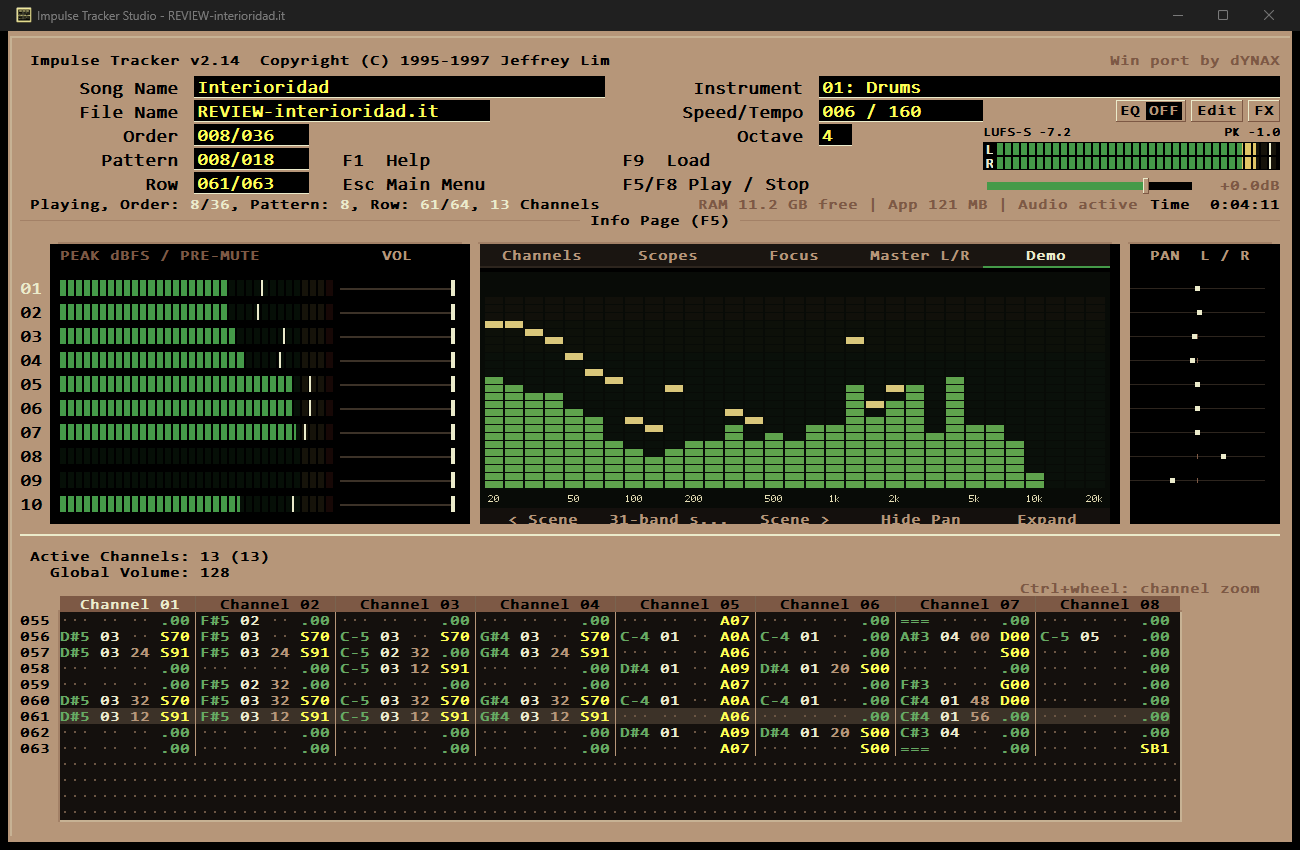
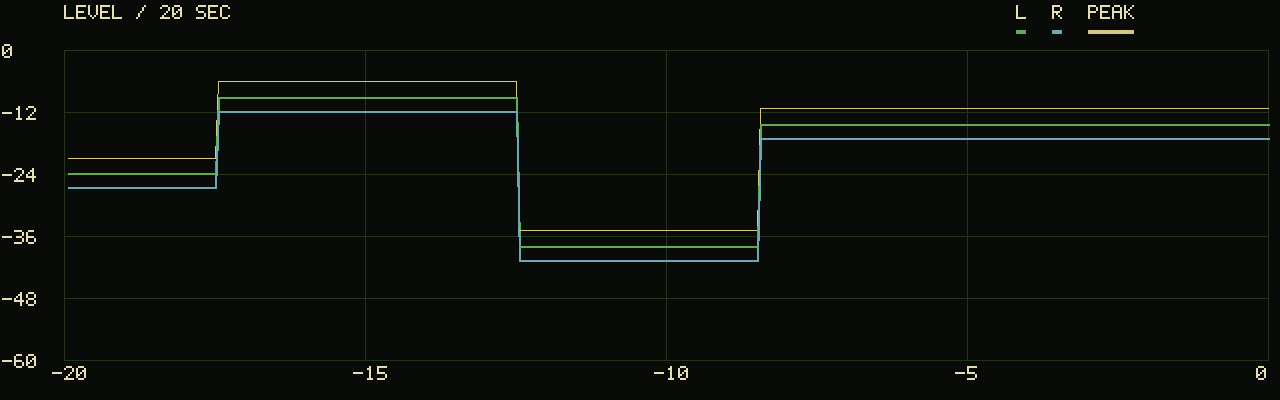
These are preliminary captures, not the final release interface. Fresh screenshots will follow as the builds progress.
The original tracker experience, brought to Windows. Download the ZIP, extract it and run impulse-tracker.exe.
Download Classic for WindowsFree · Windows x64 · v0.3.1 · Portable ZIP · Unsigned beta
Classic is the free Windows port. Studio is the commercial edition with additional production tools, including synthesis, VST3 and LIVE workflows.
Impulse Tracker was created by Jeffrey Lim. Windows port and Studio development by dYNAX / Tessera.
Classic on GitHubIndependent parts, shared tempo. Launch on the beat and move between sections when the moment feels right.
Preview the next source through a separate Cue output on compatible audio hardware.
Record the sequence you played. Save the LIVE Set, or export performances that can be represented as standard IT.
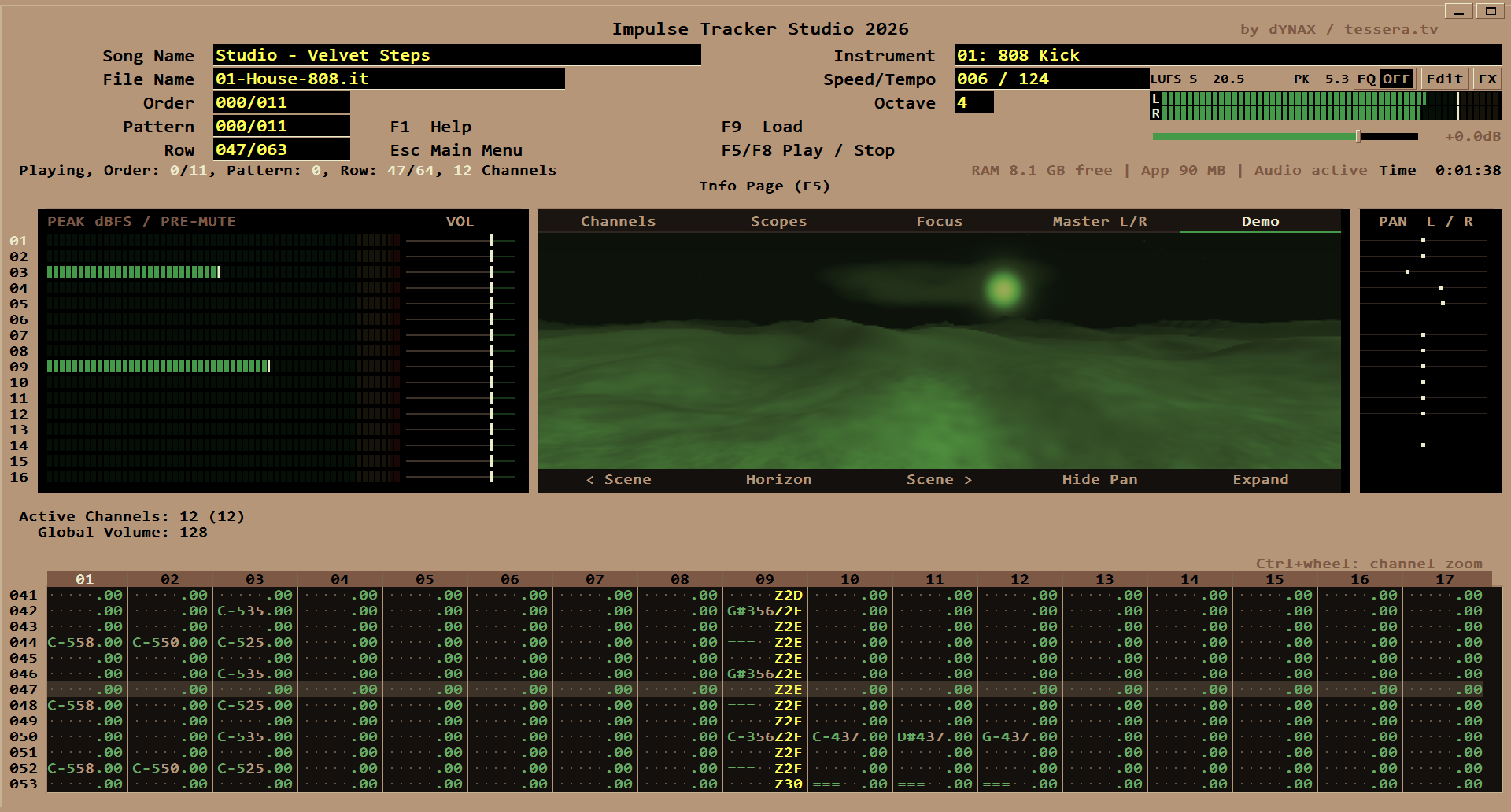
Flow plasma, Vector horizon, Phase tunnel and Orbit cells, plus a musical landscape. Use Cycle or Auto to change scenes.
Built-in recording with H.264 video and AAC audio at 1080p, 60 fps. Record the current screen manually or use Auto showcase.
Auto showcase switches between the pattern editor, F5 and Demo every 8 or 16 bars.
Video recording is implemented; audio synchronization and device-specific behavior are still being tested.
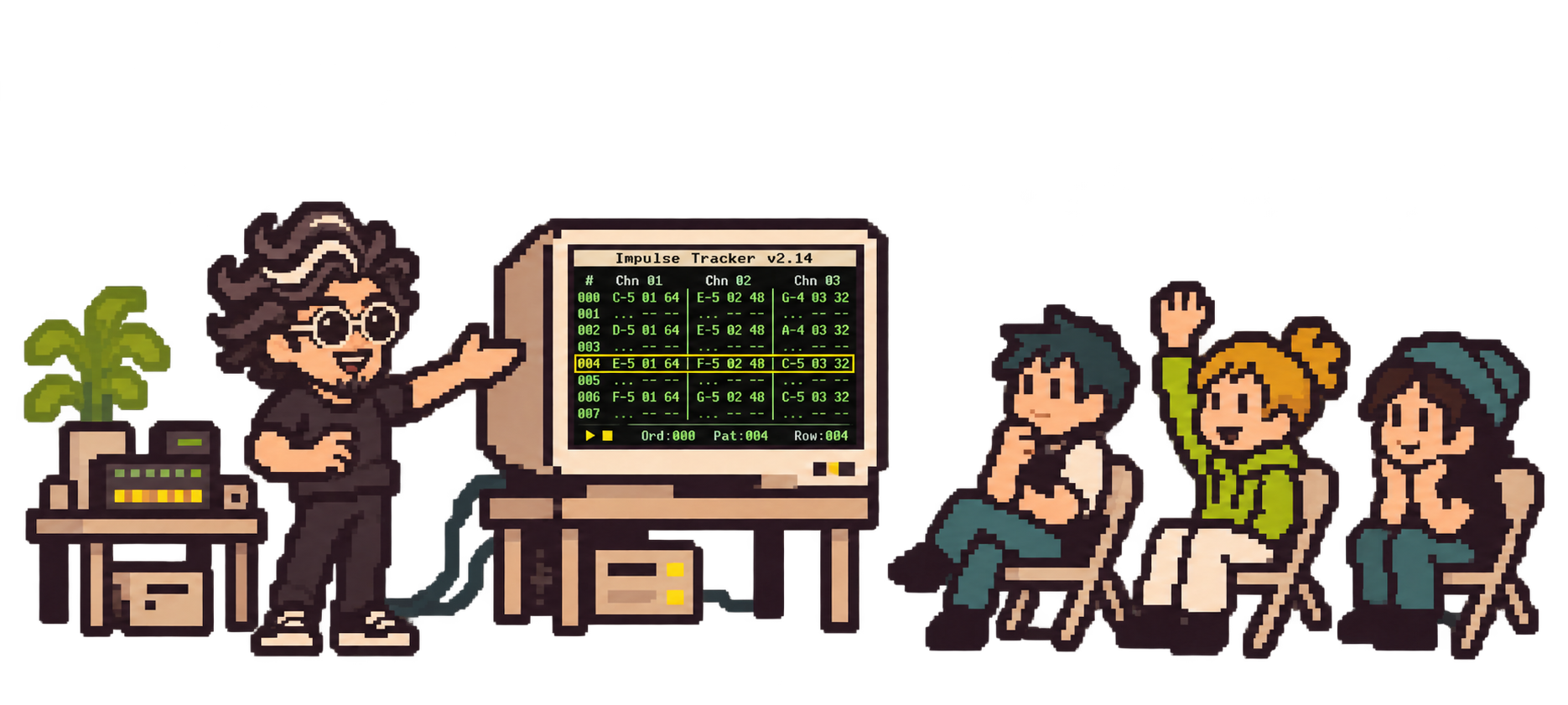
Studio Beta is available now for Windows x64 as a portable ZIP through Gumroad. Development is ongoing; the final release date has not been announced.
Studio Beta costs $49 USD as a one-time payment, including all beta builds and a perpetual Studio 1.0 license. The release price will be $99. Classic is a separate free download.
Studio is being developed for Windows x64. Detailed system requirements and supported configurations will be published with the release.
Studio loads IT, S3M, XM, MOD, MTM and 669. Studio-specific settings use a companion .itstudio file. Full playback equivalence with every original tracker and compatibility with every plug-in are not guaranteed.
No. These are previews of current development work. Audio and device compatibility, recording synchronization and parts of LIVE and assistant workflows are still being tested. Screenshots show preliminary interfaces and test projects.
Studio Beta for Windows x64. The keyboard-first tracker workflow, with built-in instruments, VST3 and sample editing.
An active beta: features and format compatibility are still being refined.
$49 USD · one payment
$99 at release.
Secure checkout and portable ZIP download through Gumroad.
AI Assistant uses your own supported provider. Provider usage charges are separate.
New builds, features and release notes.
Tessera stores your email, signup date, consent and referral information for Studio updates. We do not sell your address. No confirmation email is sent at this stage. Future newsletters will include an unsubscribe option.